
Zehn is a Steam skin based on Windows 10's transitional design language. It comes in both dark and light modes with lots of customization!
Why the name "Zehn"? Well, I wanted to make my own attempt to match Steam to a stock Windows 10 experience. The design language behind this OS is technically known as MDL2, the first iteration of Fluent Design. It is a transitional design language that retains the sharp lines and minimalistic icons of Metro and merges them with reactive Fluent effects such as Acrylic and Reveal that evolved into Fluent 2 for Windows 11. So, I took the German word for "ten", as it also sounds like the Japanese "禅". My mind is clear knowing that this theme fits seamlessly into a Windows 10 environment.
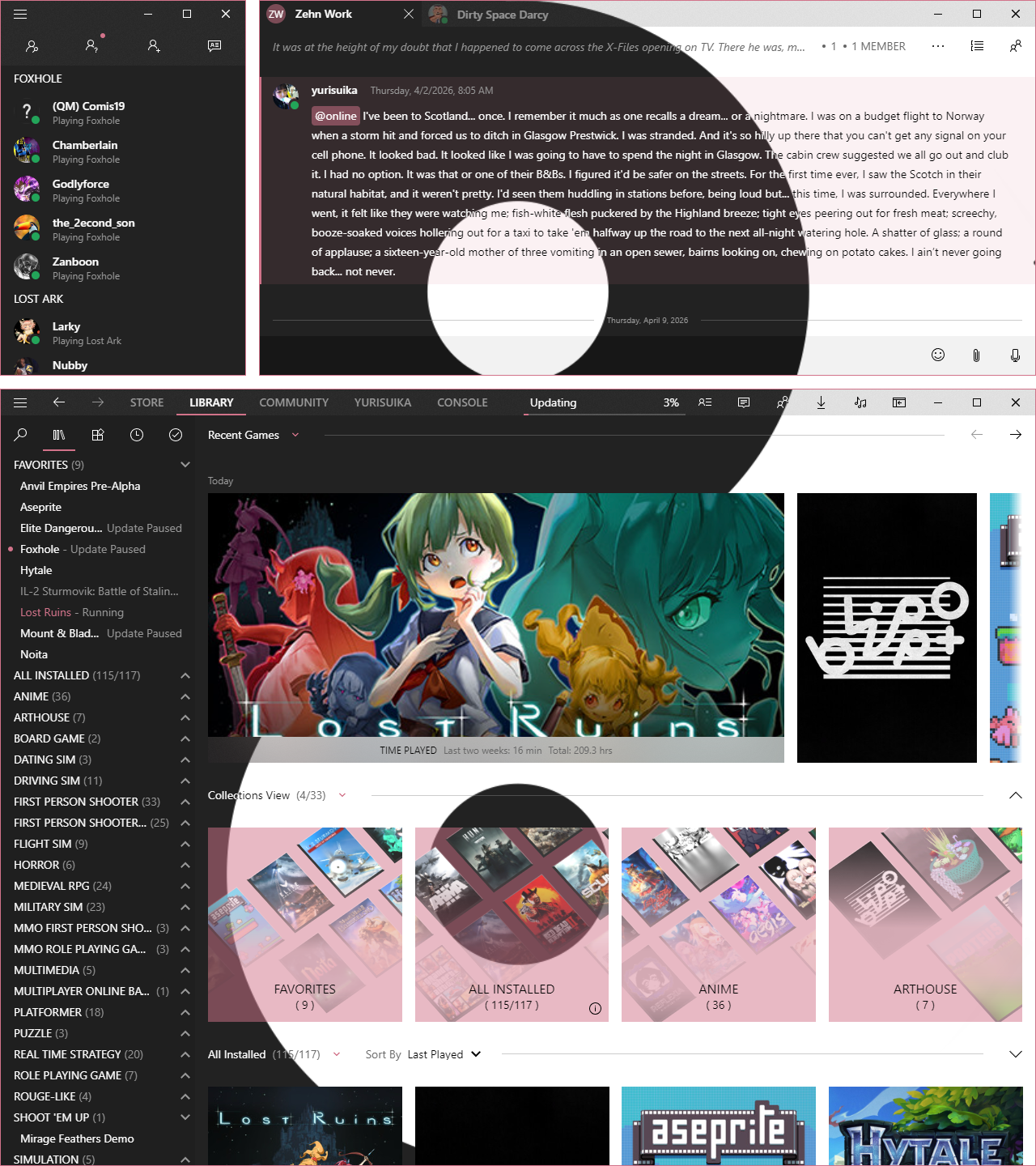
Part of the design philosophy behind Zehn is to only show what is always going to be relevant to your needs. The rest can be displayed when the ephemeral moment comes. Steam has a lot of visual clutter and redundancy, so Zehn seeks to alleviate you of this and let you navigate Steam without all the distraction. This is the elegent simplicity of Windows 10 Fluent Design that you love brought to Steam!
Some ways this is accomplished in Zehn:
- Most controls are consolidated into the navigation bar of the main Steam window. The root menu is only shown when you open it via the menu button.
- Instead of a long, narrow details sidebar that is always shown and a community content feed that you can only access after scrolling past all of the activity feed on a game page, Zehn offers three simple buttons in the play bar to switch between displaying these and the activity feed. You can focus solely on that of which you choose!
- On the sidebar, the search and filters are hidden by default. When you hide the search section, any filters you have set are still active but don't take up space. This way, you can still retain full functionality while giving the game list center stage.
- You can toggle showing your own status and the friends search on the friends list. You can even hide the whole header as well to just view your contacts.
- Steam natively allows the chat channel list to be pinned open or collapsed, but Zehn takes it a step further and allows you to completely hide it. Additionally, the members list is displayed as an overlay that is only shown when you need it.
Tip
Check out these extended previews to see more of Zehn!
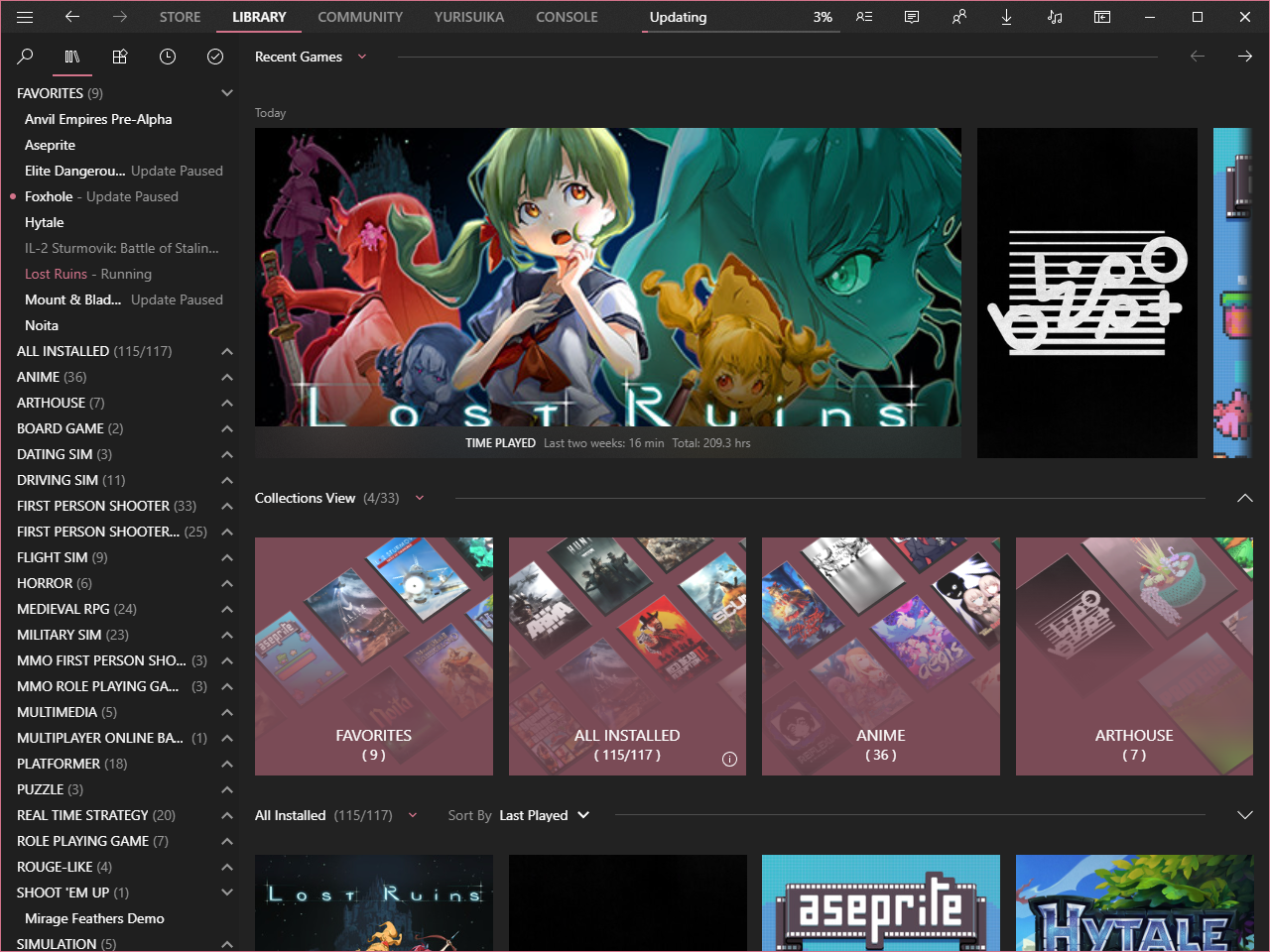
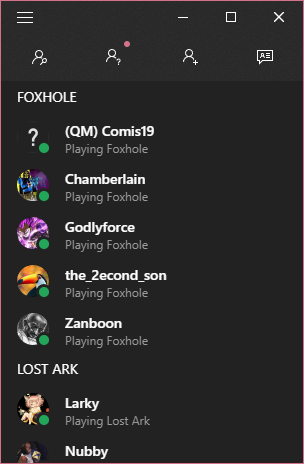
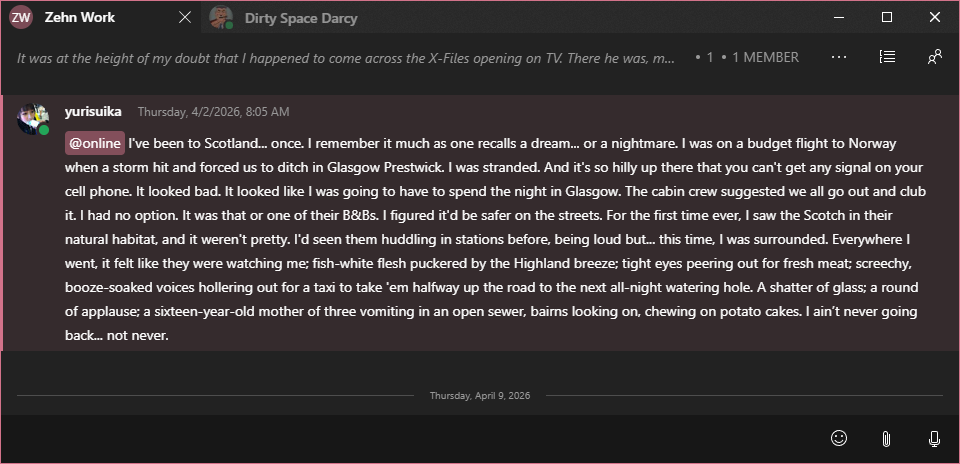
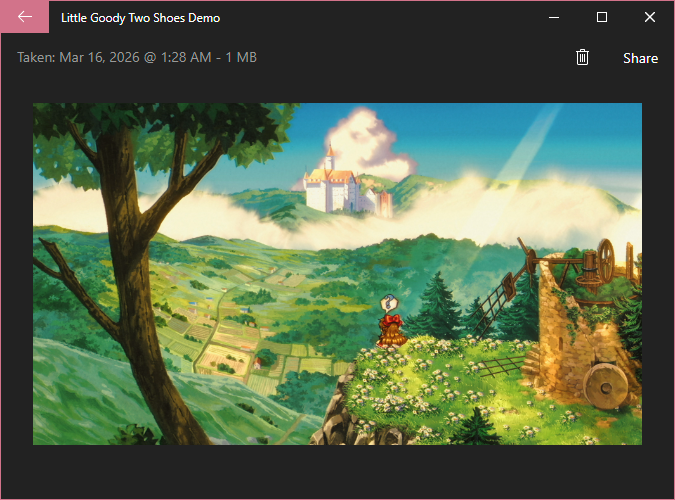
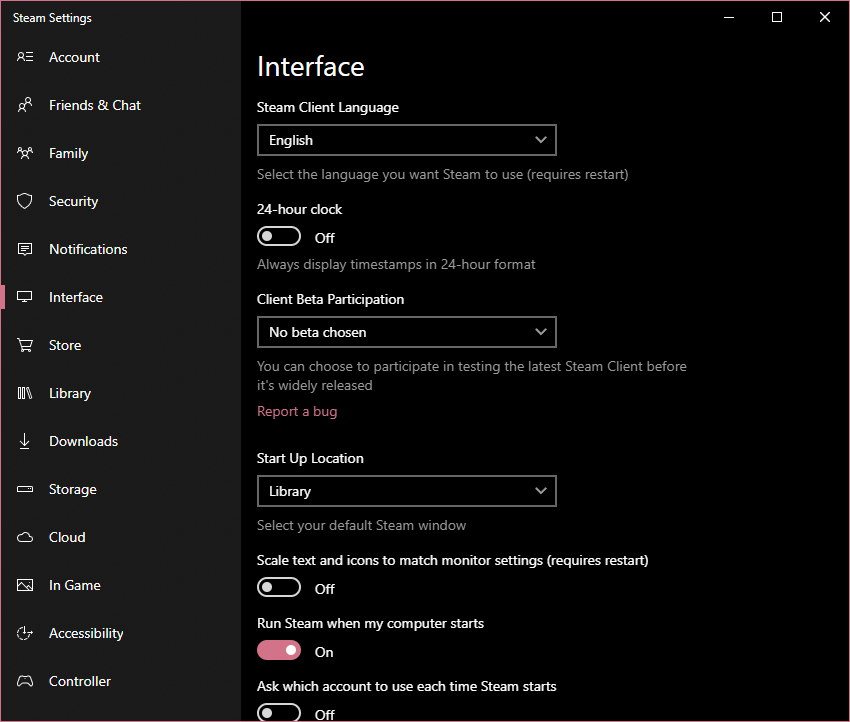
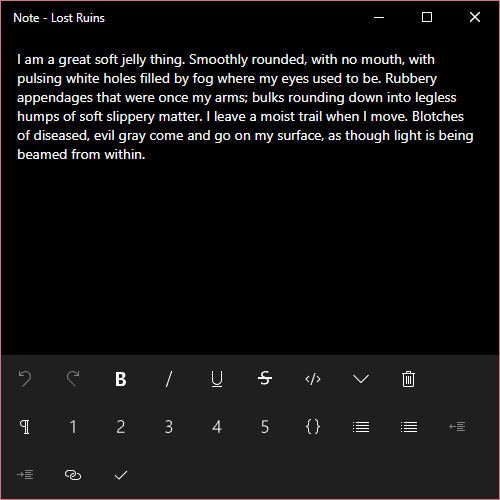
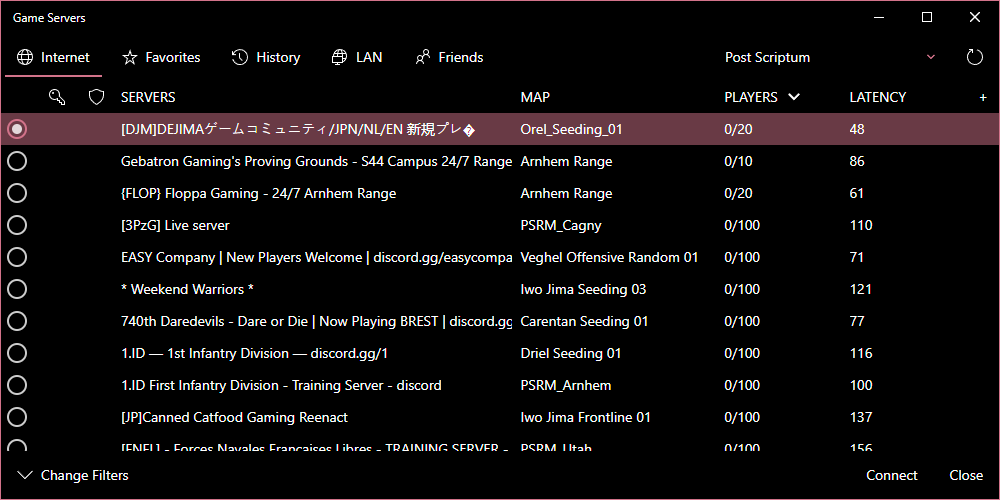
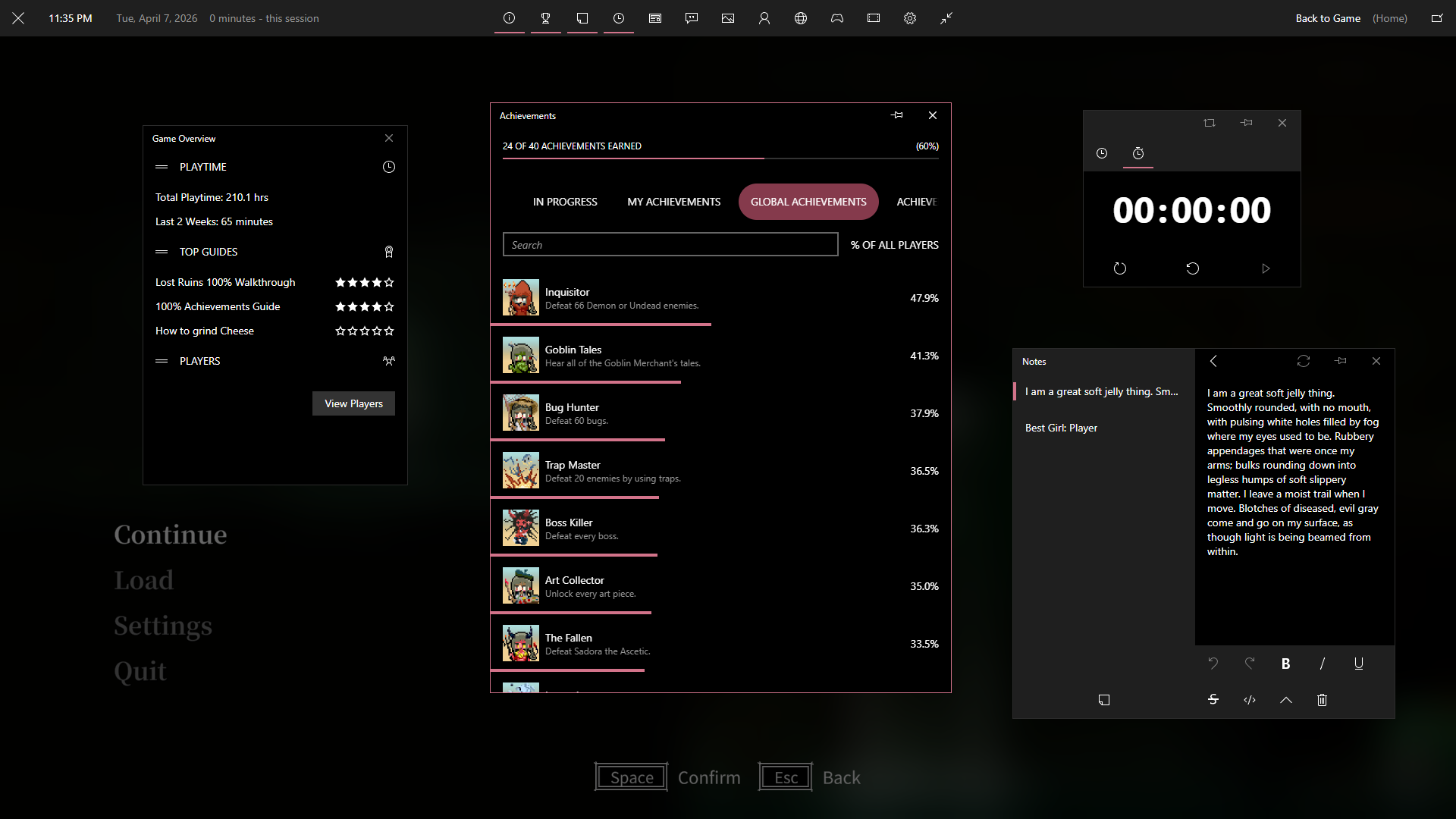
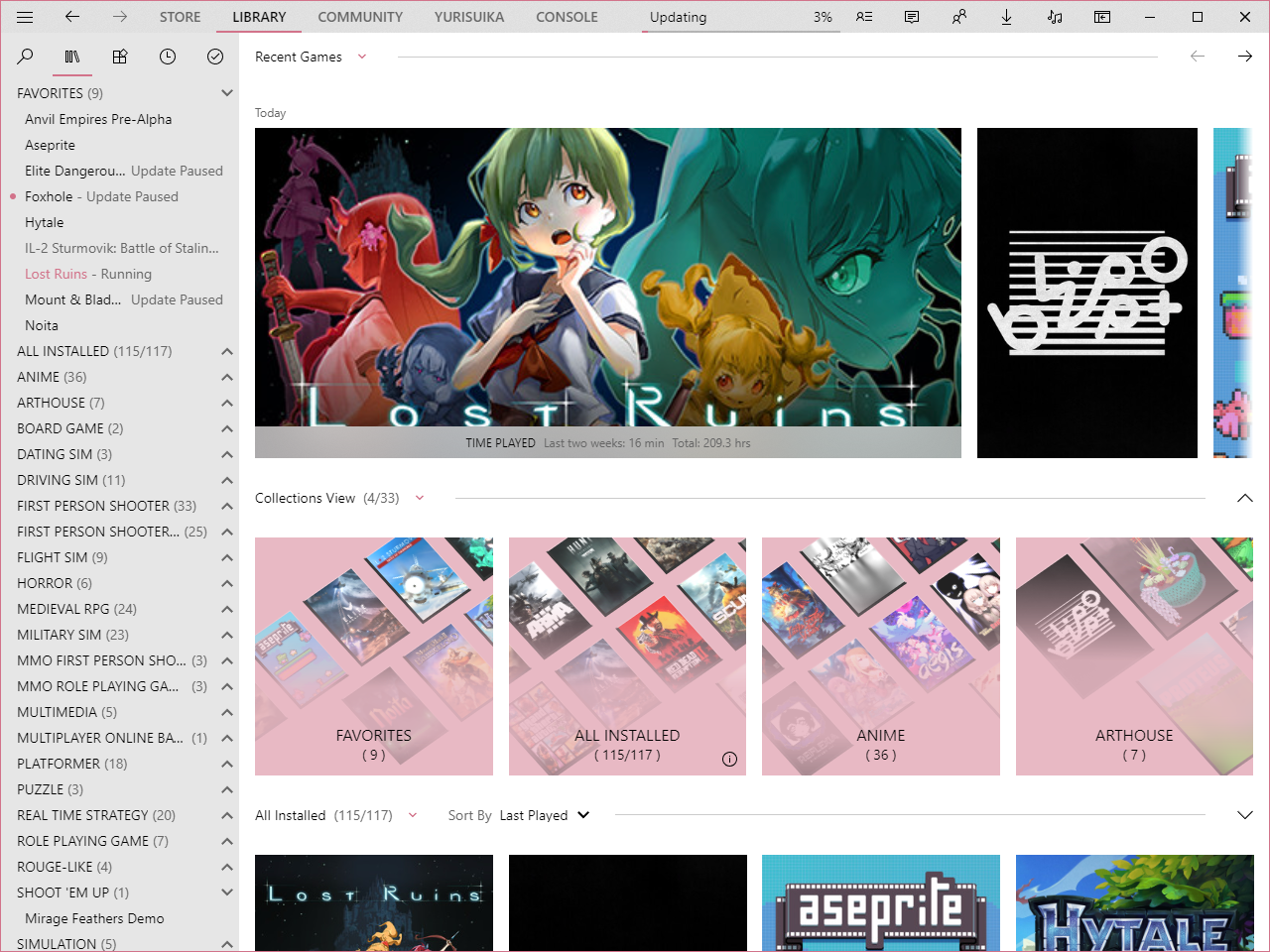
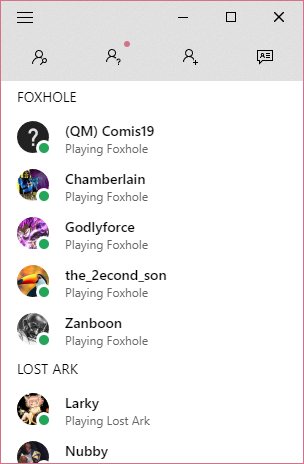
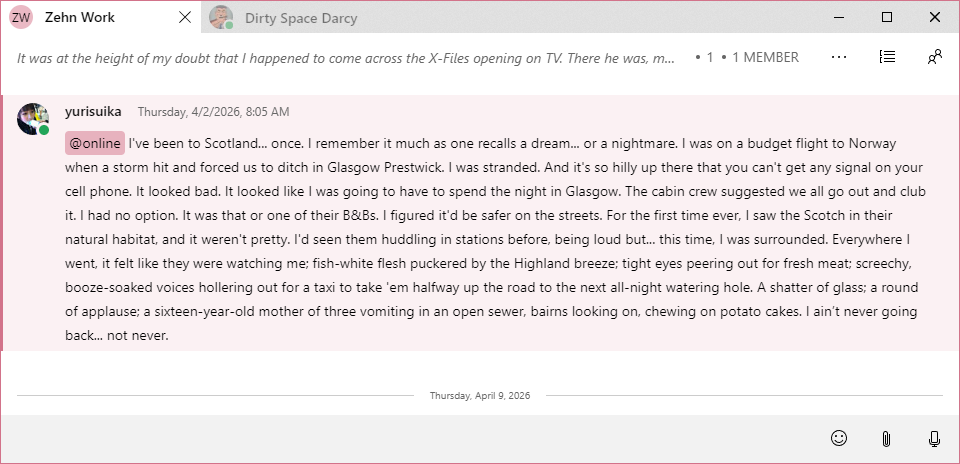
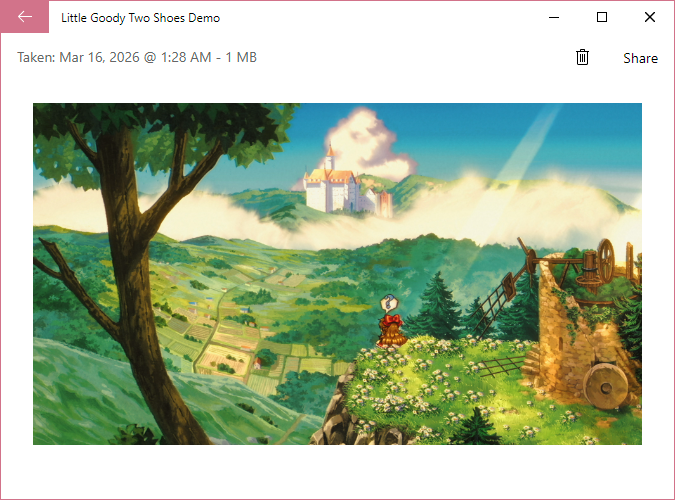
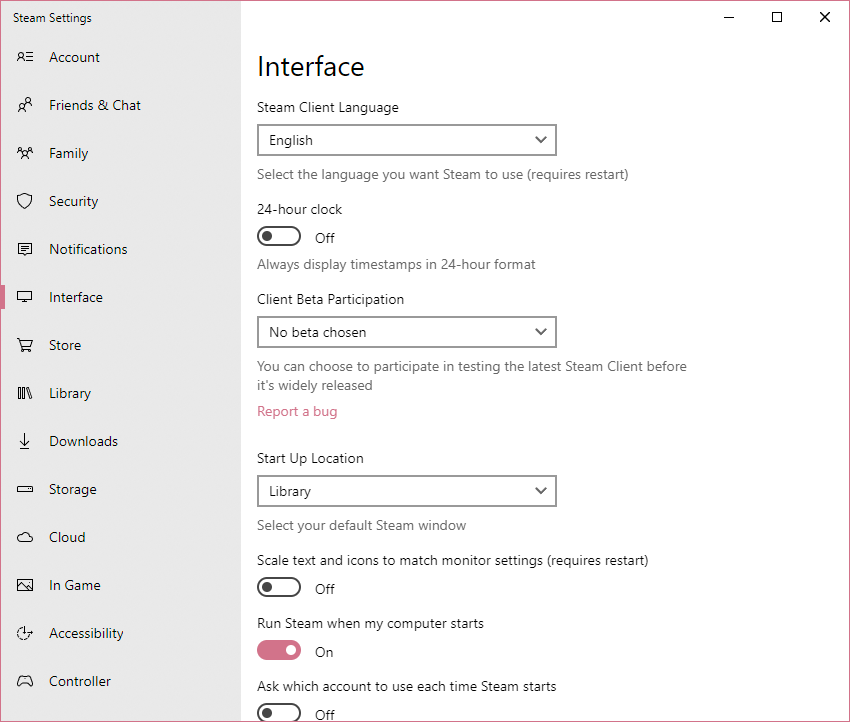
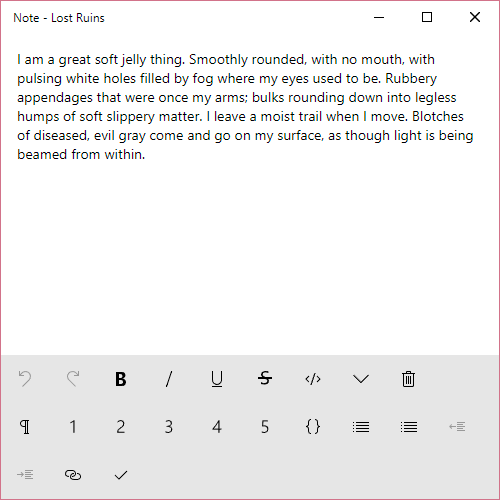
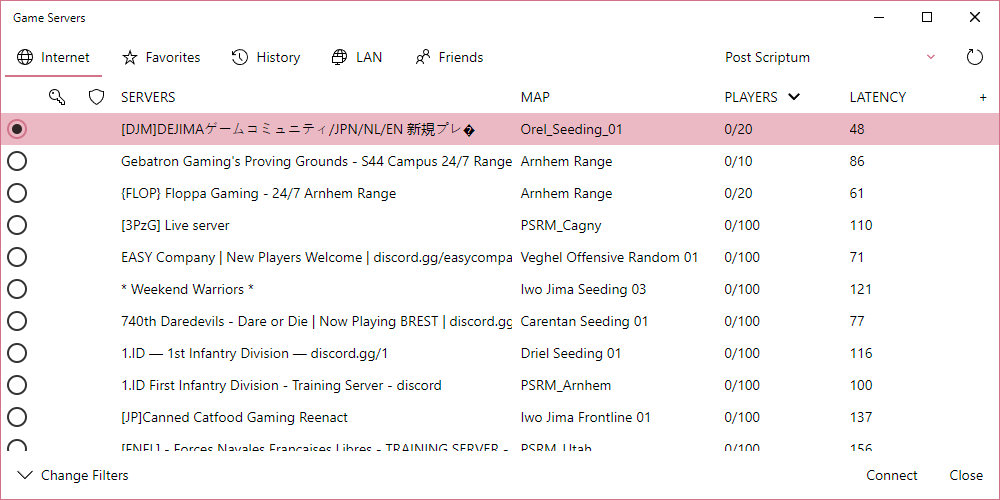
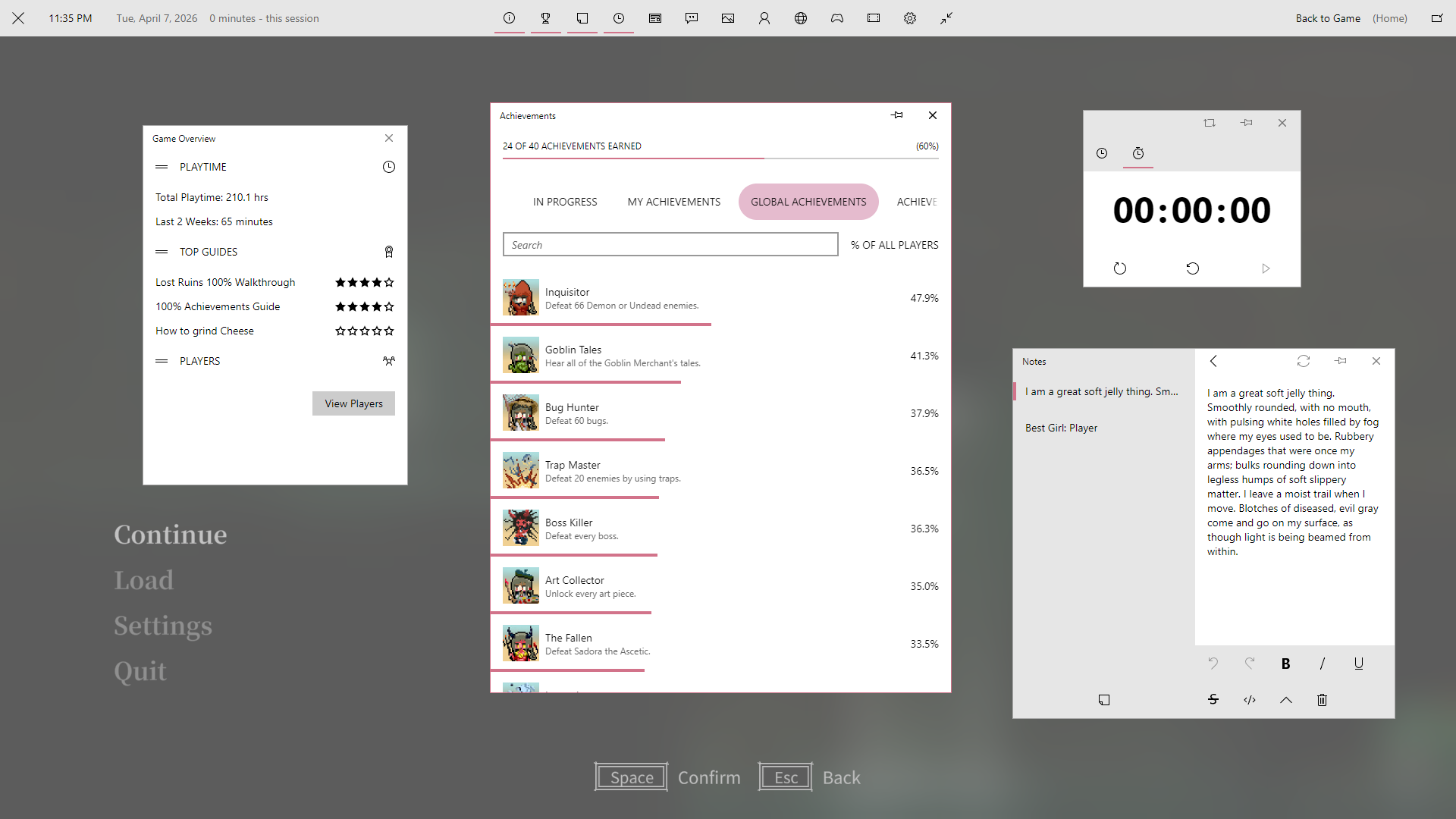
Zehn features various options to change the look and layout of the skin, including hiding and showing content, changing avatar style, and more.
There are several options that mirror settings in Windows 10, such as using transparency effects and showing the accent color on window borders. Along with the choice of light or dark mode, you can ensure Zehn matches your Windows 10 setup! You can even let Zehn automatically sync with your system mode!
Zehn is built on the foundation of variables to make broad-sweeping changes a breeze and offer a high degree of consistency. You can use Millennium's Quick CSS feature or modify custom.css on SFP to override these variables found in /css/variables.css!
Note
Use Millennium's Library Manager to select Zehn's options inside of Steam.
Edit the config in options.json. Please reference the wiki to know what the values for each option may be.
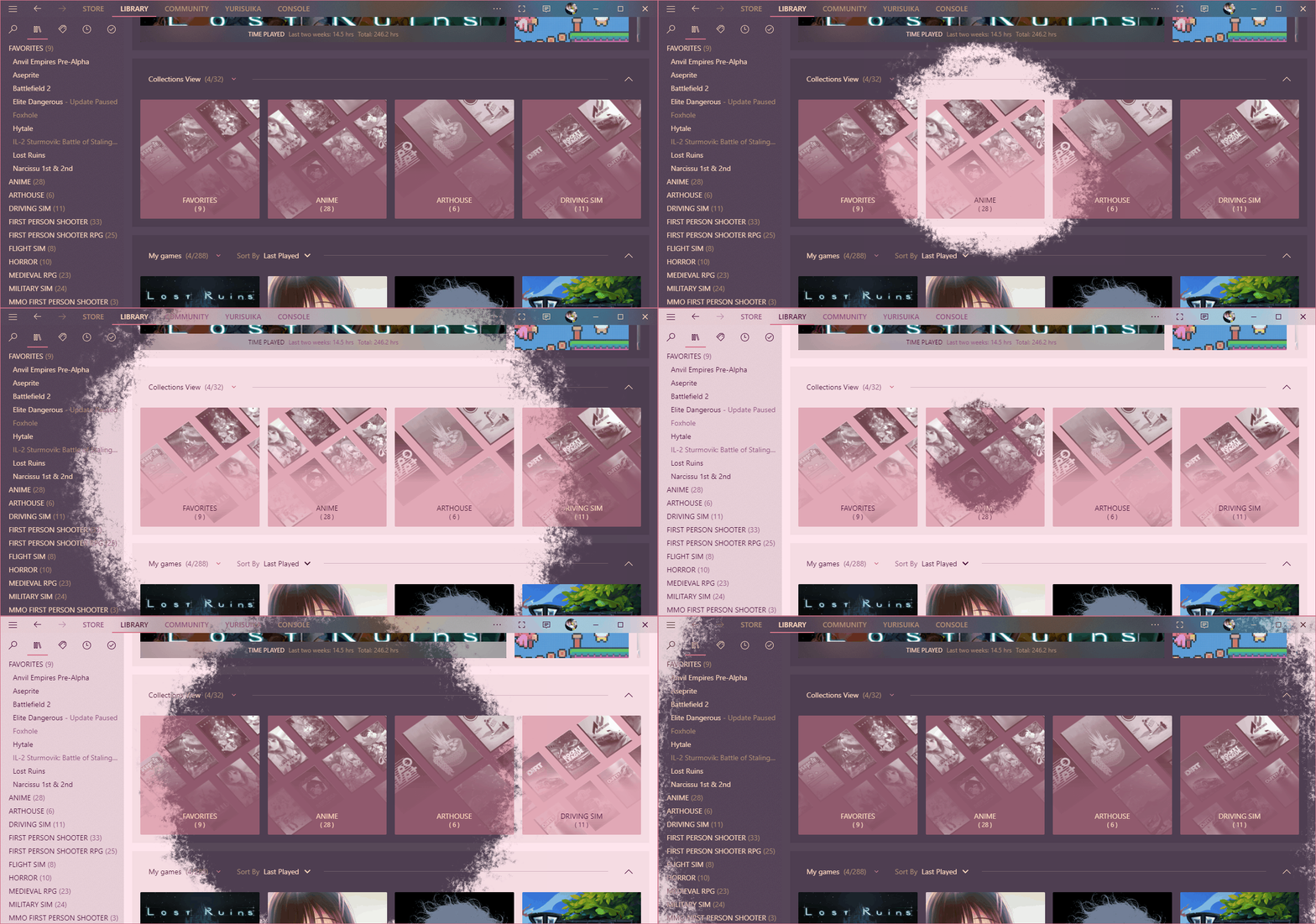
You can blend colors into both the foreground and background of Zehn. Give Steam more than just a native look, give it your look in either light or dark mode!
Note
Configure color blending on the Personalization tab under the Theme section. Set the colors under the Colors tab.
Edit the config in options.json as usual. Set the colors in /config/colors.css.
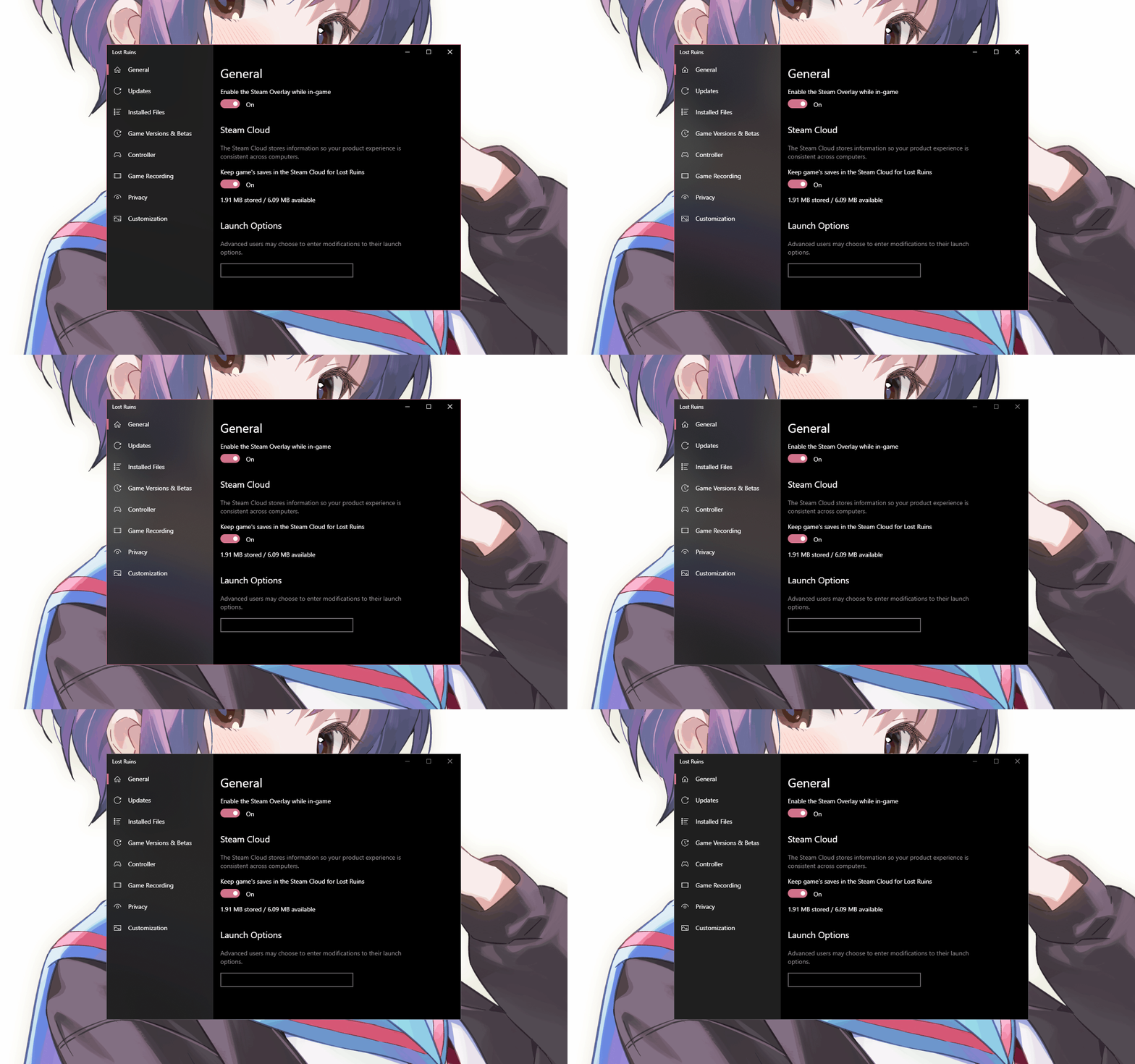
Acrylic is a Fluent Design material that blurs the background of a surface with a translucent color along with a bit of noise. In Zehn, Acrylic is handled in two ways when Transparency Effects is enabled in the options.
Certain surfaces will always have an Acrylic blur on them. These are generally small panels that blur images behind them.
Some windows have reactive panels that change into an Acrylic surface on window focus. These fall into two categories:
- Panels that overlay and blur Steam content below them, such as the main window navbar.
- Panels that blur behind the window when focused, such as the settings windows. This requires the DWMX plugin for Millennium to work.
Warning
Behind-window Acrylic may require additional compositing software to function. See the Acrylic page on the wiki for a guide on how to get it to work!
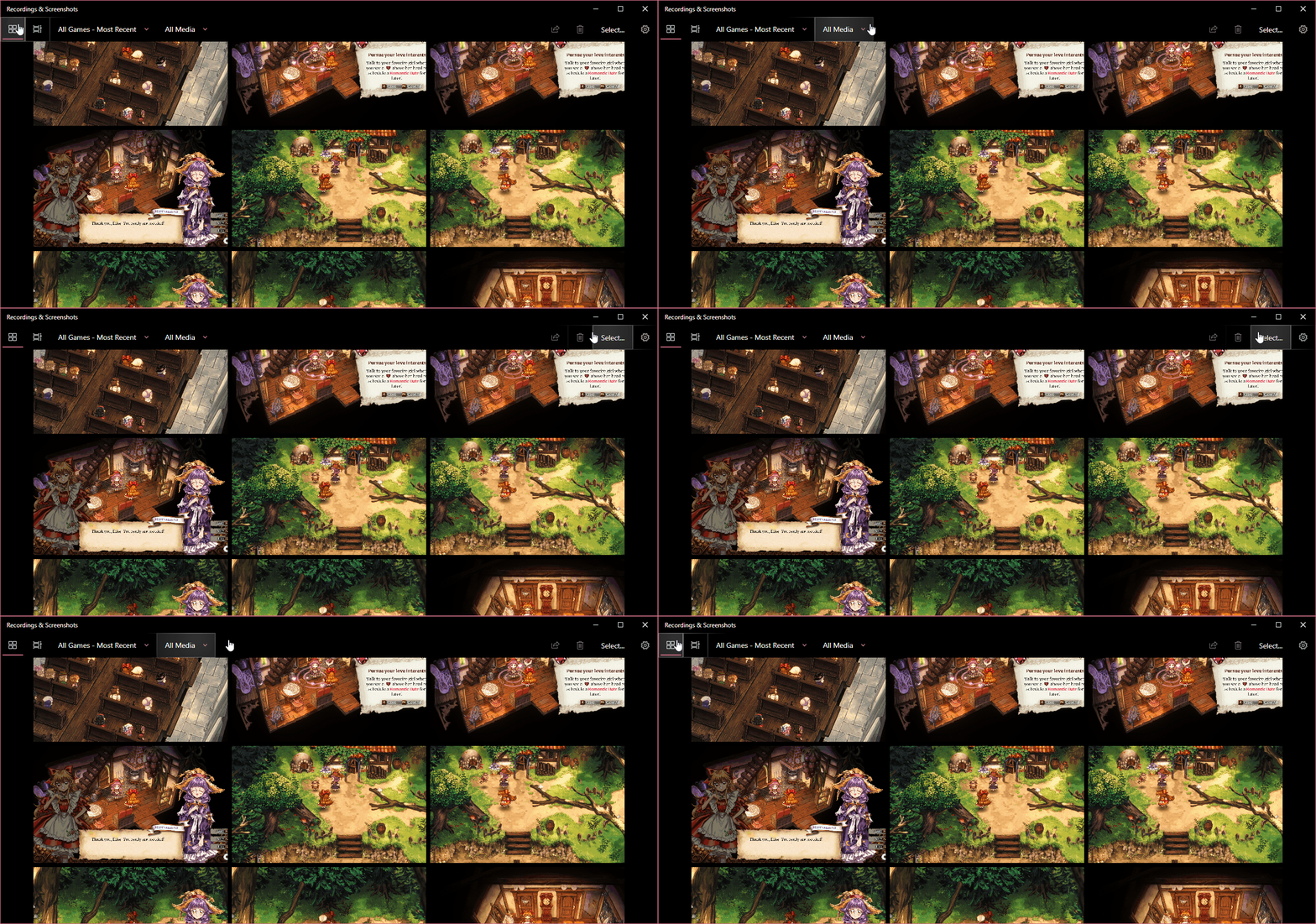
Reveal is a Fluent Design effect that reveals hidden backgrounds and borders where you mouse over. When Transparency Effects is enabled, certain buttons, lists, and more are given Reveal!
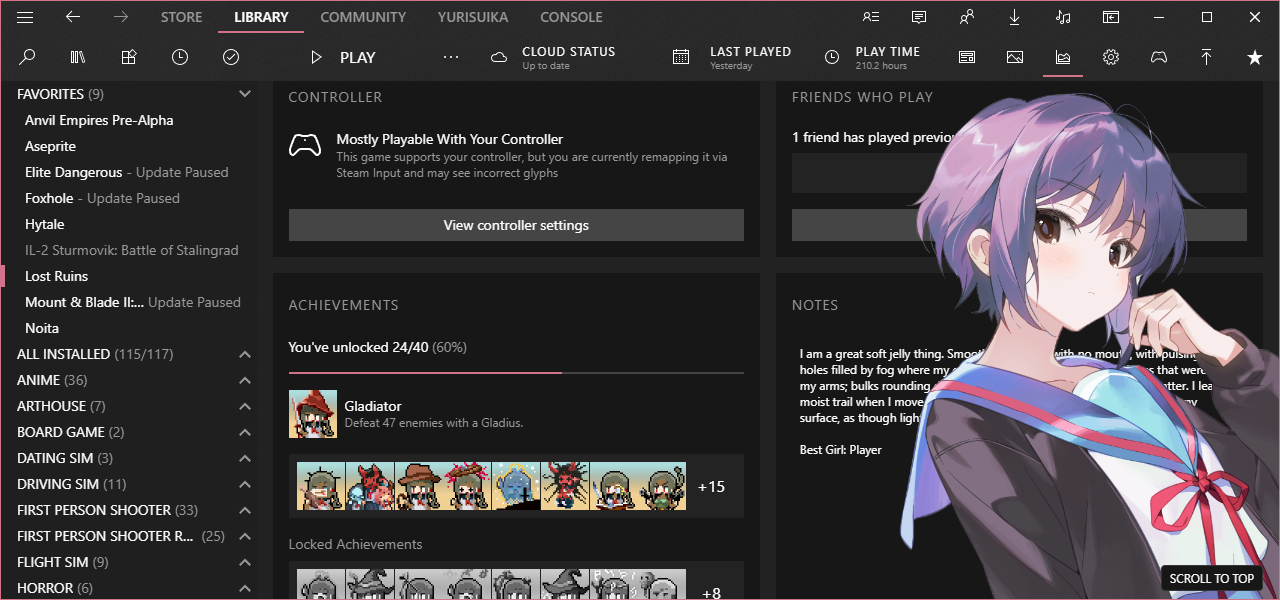
You can give your waifu a home in your library! Supports random image selection, adjustable placement, and more.
Zehn features several added buttons for an improved experience:
- On the library window...
- The root menu is toggled via the menu button in the left end of the navbar. It is hidden by default.
- Many navbar buttons that are simply redundant links that may be found in the root menus and supernav menus are collapsed until opened by a button added to the navbar buttons area.
- Theater Mode, which hides the game list sidebar, can be enabled from a button added to the navbar buttons area.
- Several search and filter related controls in library sidebar can be toggled via a button in the upper-left corner of the sidebar. These controls are hidden by default.
- The What's New container in the library may be collapsed via the button next to the carousel controls.
- Three buttons to select between displaying the Activity feed, the Community feed, and the Details panels for a game entry are found added to the playbar.
- To match toggling the info panel on the game page, the game links panel may be toggled with a button added to the playbar.
- On the friends list window...
- The header containers are toggled via the menu button in the upper-left corner. These are shown by default.
- The current user container is toggled via the button at the ends of the friends tab buttons container. It is hidden by default.
- On the chat window...
- The channel list, member list, and settings buttons are toggled via three buttons added to the group chat header bar.
Any text added by Zehn is localized to languages supported by Steam via localization keys in /data/localization.json.
Some Millennium plugins need a bit of styling to fit with Zehn. You can enjoy the following plugins made to look right at home in a Zehn Steam:
- Achievement Groups
- Made to match the other achievement overlay tabs.
- Collections+
- Easy SteamGrid
- Extendium
- Browser bar buttons, extensions context menus, and settings dialogs all skinned.
- Gratitude
- HLTB for Steam
- Game page stats made to look like the collections tags.
- Size on Disk
- Window Styler (DWMX)
- When Transparency Effects is enabled in the settings, certain windows can have Acrylic blur behind them.
- Download the latest release of Zehn and extract the archive.
- Navigate to your Steam installation.
- Move the extracted Zehn folder into the proper Steam directory.
- For Millennium 2.x or SFP, this folder is
~/steamui/skins. - For Millennium 3.x and up, this folder is
~/millennium/themes.
- Enable JavaScript and CSS injection in your patcher of choice.
- Select Zehn in your patcher and enjoy!
Zehn supports both SteamFriendsPatcher and Millennium.
For in-depth documentation, see the wiki!
Check out the Announcements discussions for details on recent major updates.
Work in progress is also documented in the Previews discussions. Find out what is being worked on and learn what is up-and-coming for Zehn!
Head on over to Support if you need help!
Join the new Steam Group and drop into the chat room!