This repository was archived by the owner on Jan 14, 2019. It is now read-only.
Repository navigation
Environment
Allure allows you to add test environment values such as report name, browser or test server address:
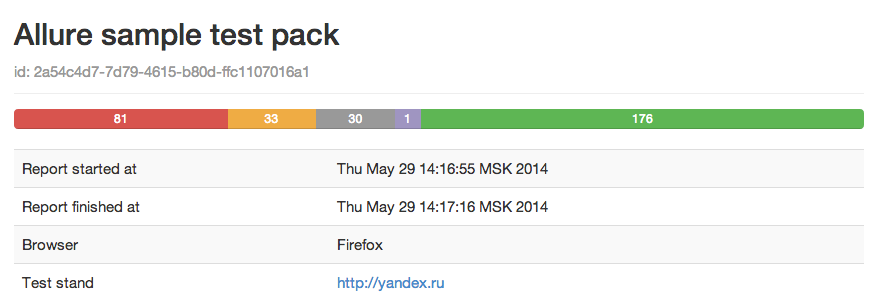
There are several ways to add the environment to your report:
- Save the file environment.xml in the following format to the Allure results directory:
<qa:environment xmlns:qa="urn:model.commons.qatools.yandex.ru">
    <id>2a54c4d7-7d79-4615-b80d-ffc1107016a1id>
    <name>Allure sample test packname>
    <parameter>
        <name>Browsername>
        <key>my.properties.browserkey>
        <value>Firefoxvalue>
    parameter>
    <parameter>
        <name>Test standname>
        <key>my.properties.urlkey>
        <value>http://yandex.ruvalue>
    parameter>
qa:environment> - Add the properties file environment.properties to the Allure results directory:
my.properties.browser=Firefox
my.properties.url=http://yandex.ru
All specified properties will be shown on the Overview page.